One power bankTwo USB-C devices
Find the simultaneous-output table. The 45W single-output limit on Anker A1638 changes to 15W + 7.5W when both USB-C outputs are used.
Read the shared-power comparison →
Portable tech, explained.
Start with the two things you want to connect. Each entry points to the specification that matters and a fuller comparison.
Find the simultaneous-output table. The 45W single-output limit on Anker A1638 changes to 15W + 7.5W when both USB-C outputs are used.
Read the shared-power comparison →Match the laptop’s required input, the charger’s output profiles and the cable’s power rating. A higher charger wattage alone does not establish every charging mode.
Compare compact wall chargers →Look for explicit video support. Native Union’s 240W Belt Cable Pro supports charging and USB 2.0 data, but not video.
Separate power, data and video →An audio transmitter bridges this route. AirFly SE supports one headphone pair; Pro 2 supports two.
Choose the audio adapter →Use a compatible USB-C audio adapter. Apple’s adapter occupies the USB-C port and has no charging pass-through.
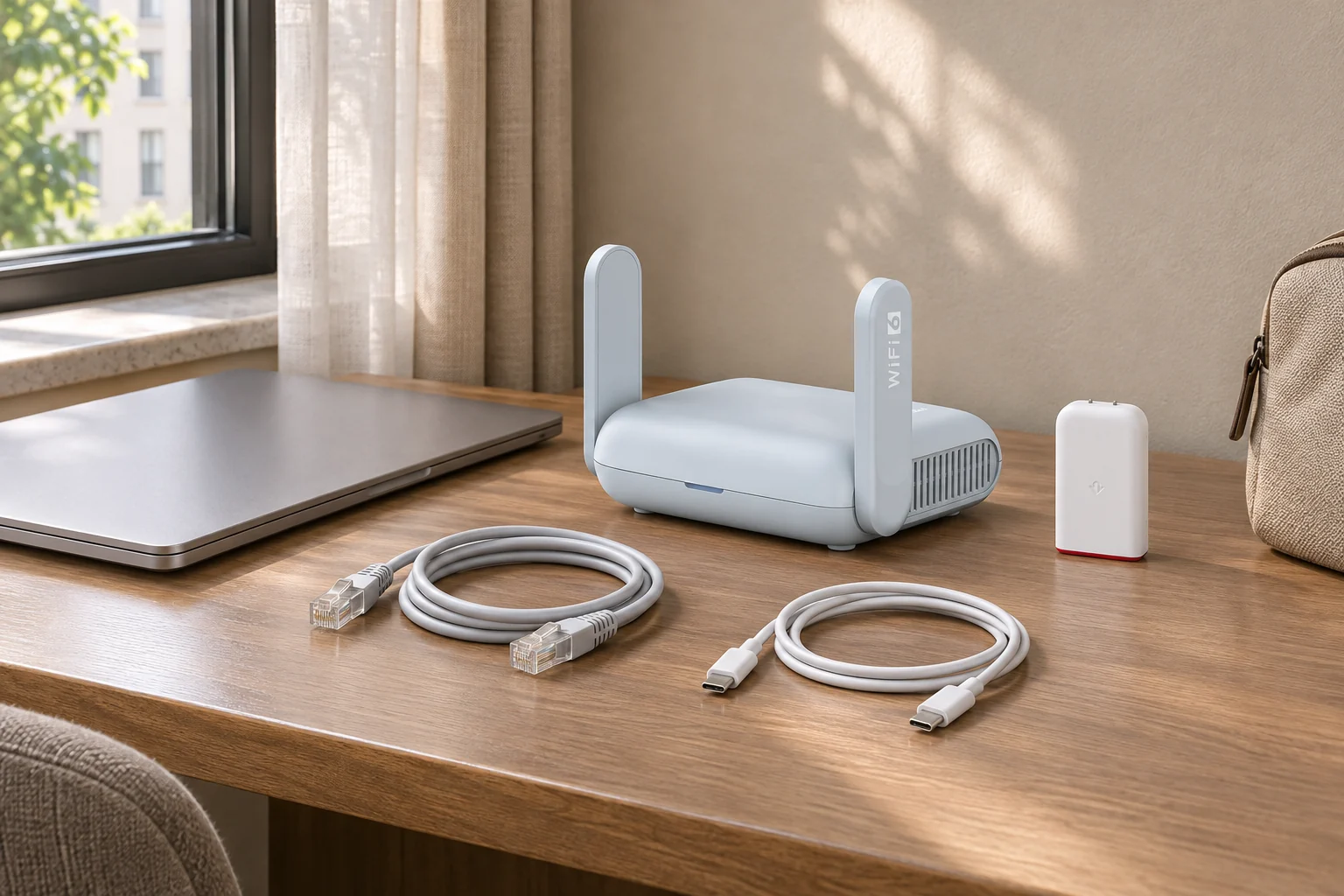
Compare headphone connections →A travel router needs an upstream connection and power. Beryl AX and Opal do not provide a built-in cellular connection.
Compare travel router ports →ButterFly SE provides two charging pads but requires a separate USB-C adapter rated at 30W or higher.
Compare folding phone accessories →Write the device name, its input socket, the charging or audio mode it needs, and the source you plan to connect. Add whether it must work alongside another device. That final column exposes shared-power limits and occupied ports before you buy anything.
For example, a phone using the Apple USB-C audio adapter has that port occupied; the adapter has no charging pass-through. A travel router needs both its internet source and USB-C power. A quick connection plan makes those supporting requirements visible while the kit is still easy to change.