AirFly vs. USB-C headphone adapters
These adapters solve opposite connection problems. Start with the audio source and the headphones you already own.
The models compared
Scroll sideways to compare.
| Compare | 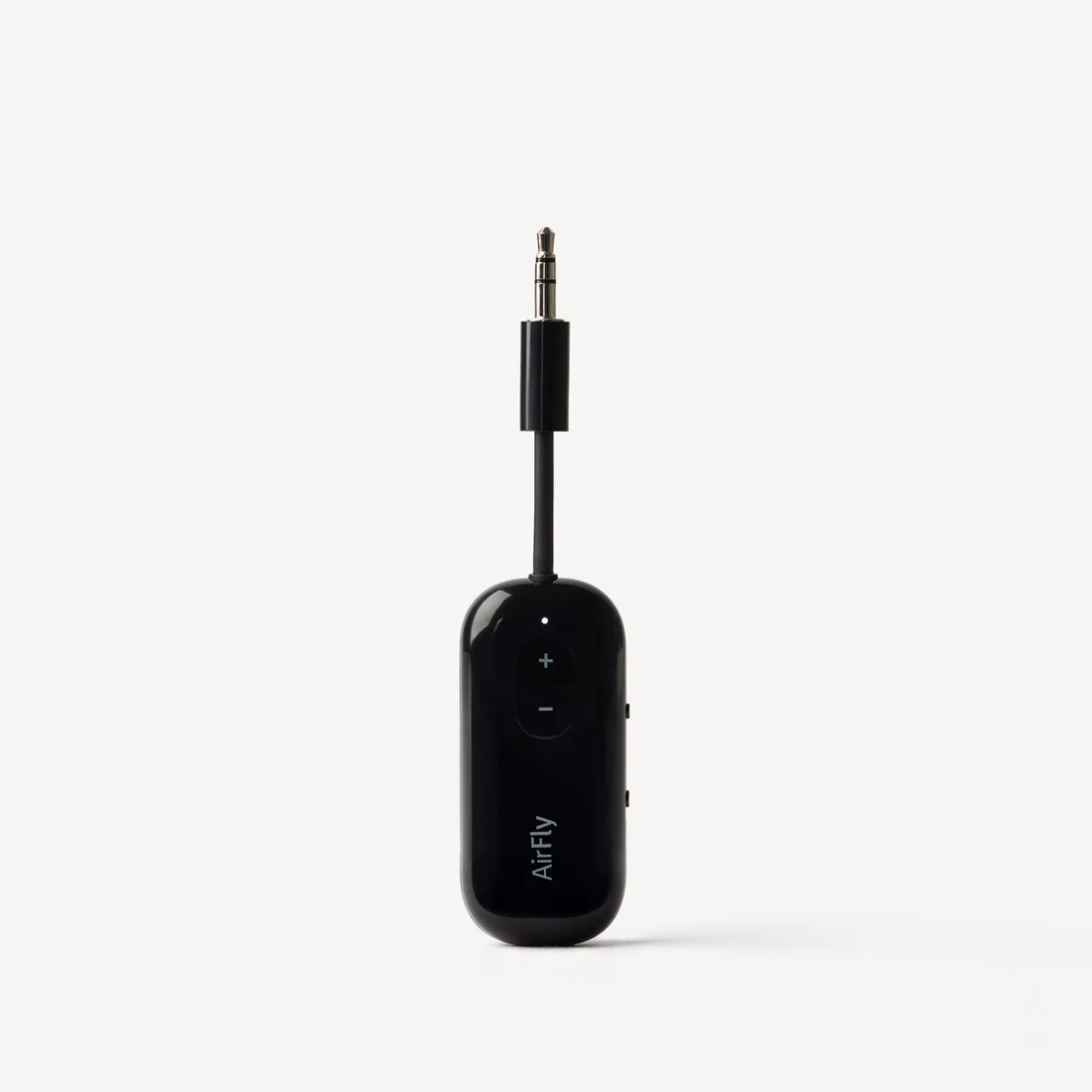 Twelve South AirFly SE | 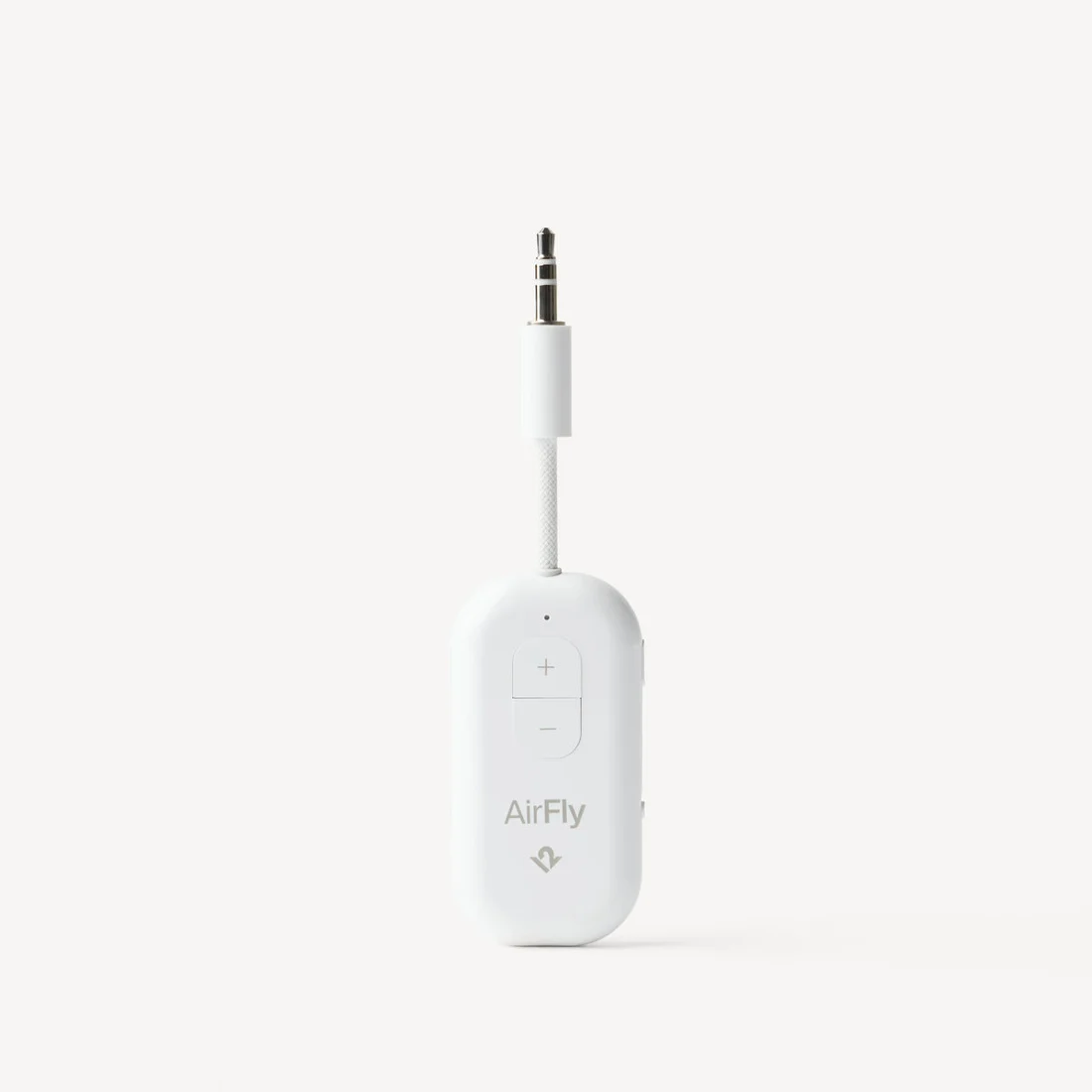 Twelve South AirFly Pro 2 | 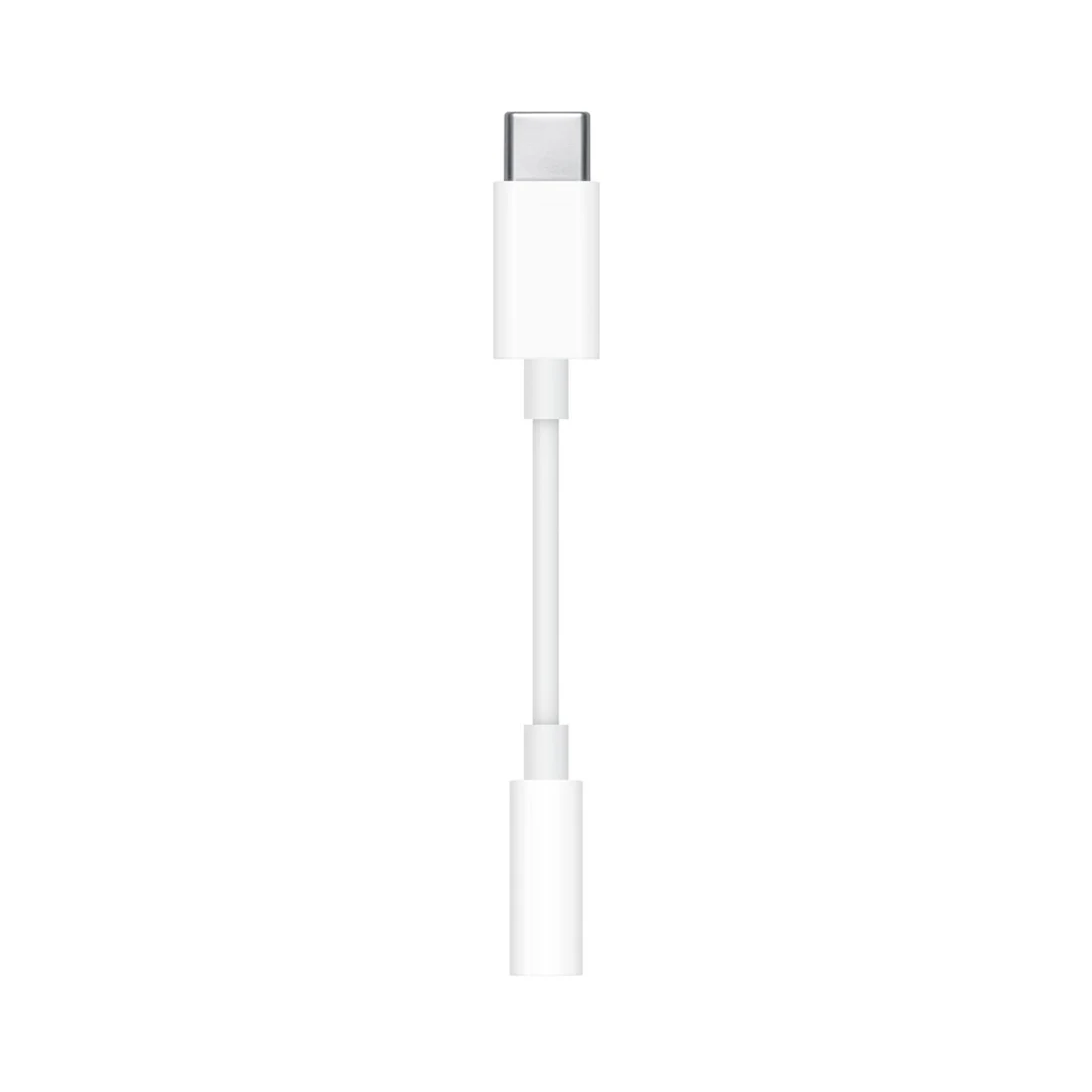 Apple USB-C to 3.5mm Adapter |
|---|---|---|---|
| Audio route | 3.5mm output → Bluetooth | 3.5mm output → Bluetooth; receiver mode too | Compatible USB-C device → 3.5mm jack |
| Headphones | One wireless pair | Up to two wireless pairs | Wired headphones |
| Extra consideration | 20+ hour claimed battery | 25+ hour claimed battery | No separate battery; occupies USB-C port |
Draw the sound path in the right direction
For a source with a 3.5 mm headphone socket and Bluetooth headphones, an AirFly transmitter sits at the source. For a USB-C phone and wired 3.5 mm headphones, the Apple adapter sits at the phone. Those paths start with different sockets and end with different headphone connections.
The SE supports one Bluetooth pair; Pro 2 supports up to two and also has receive mode. The standard Pro 2 listing omits the Deluxe airline adapter and pouch. Check both the source socket and the package before packing, and pair wireless equipment at home so the sequence is familiar.
Begin at the source socket
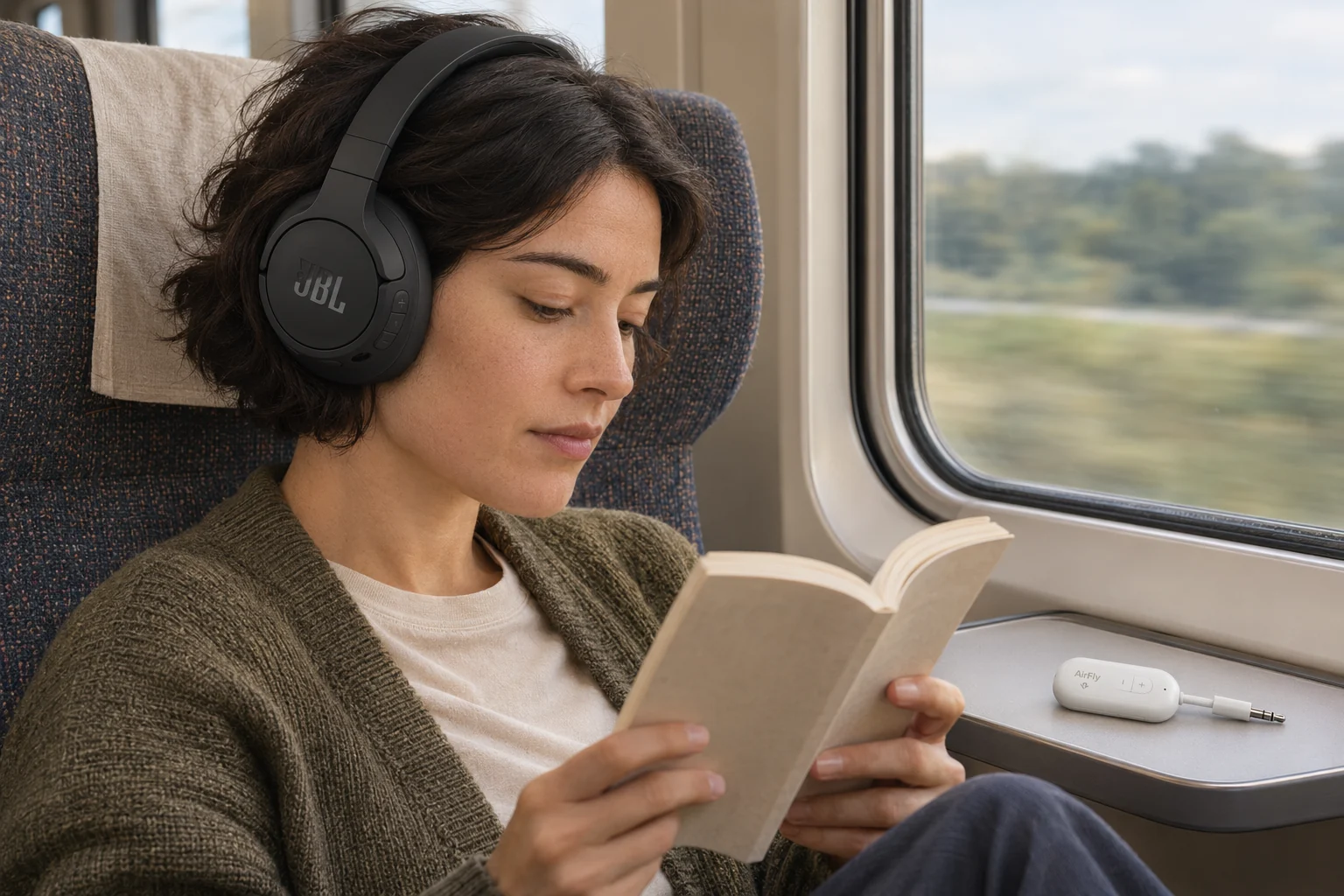
A seatback screen or exercise machine with a 3.5mm headphone output produces an analog signal at that socket. If your headphones receive Bluetooth audio, an AirFly transmitter connects those two sides. The AirFly SE supports one pair of Bluetooth headphones; the Pro 2 can send audio to two pairs.
A USB-C phone and a pair of wired 3.5mm headphones present the reverse practical problem. Apple’s USB-C to 3.5mm adapter connects the headphones to a compatible USB-C device. It does not turn the headphones into Bluetooth headphones, and it does not replace a transmitter attached to a seatback screen.
The second headphone pair is a reason to move up
AirFly Pro 2 makes sense when two people need to hear the same source through separate Bluetooth headphones. It also has a receiver mode for a different audio route. The standard package compared here includes its charging cable; it is not the Deluxe package with the additional airline adapter and pouch.
Twelve South lists 25+ hours of battery life for Pro 2, compared with 20+ hours for SE. The transmitter is another powered item in the kit, so include it in the charging list rather than only checking the headphones.
Codec support belongs to the whole connection. The Pro 2 support page lists several codecs, with different transmit and receive options. A codec on the transmitter’s specification sheet does not mean an arbitrary headphone supports it. Check both devices’ codec support if audio delay matters for watching video.
Check the physical connection before packing
Apple lists compatibility for its adapter; use that list for the exact host rather than assuming every USB-C socket works the same way. The adapter occupies the port and has no second socket for charging. If the device must charge while playing, that detail changes the arrangement.
For an AirFly, check whether the audio source has a normal single 3.5mm output or needs another adapter. A photo of a familiar aircraft seat is not a specification for the seat on a particular flight. The simplest useful packing check is literal: source socket, adapter input, adapter output, headphone connection. Each step should have an answer.
Sources
- Twelve South AirFly SE: manufacturer specificationsChecked November 15, 2026
- Twelve South AirFly Pro 2: manufacturer specificationsChecked November 15, 2026
- Apple USB-C to 3.5mm Adapter: manufacturer specificationsChecked November 15, 2026
- Twelve South: AirFly Pro and Pro 2 Bluetooth codecsChecked November 15, 2026