USB-C cable compatibility for charging, data and video
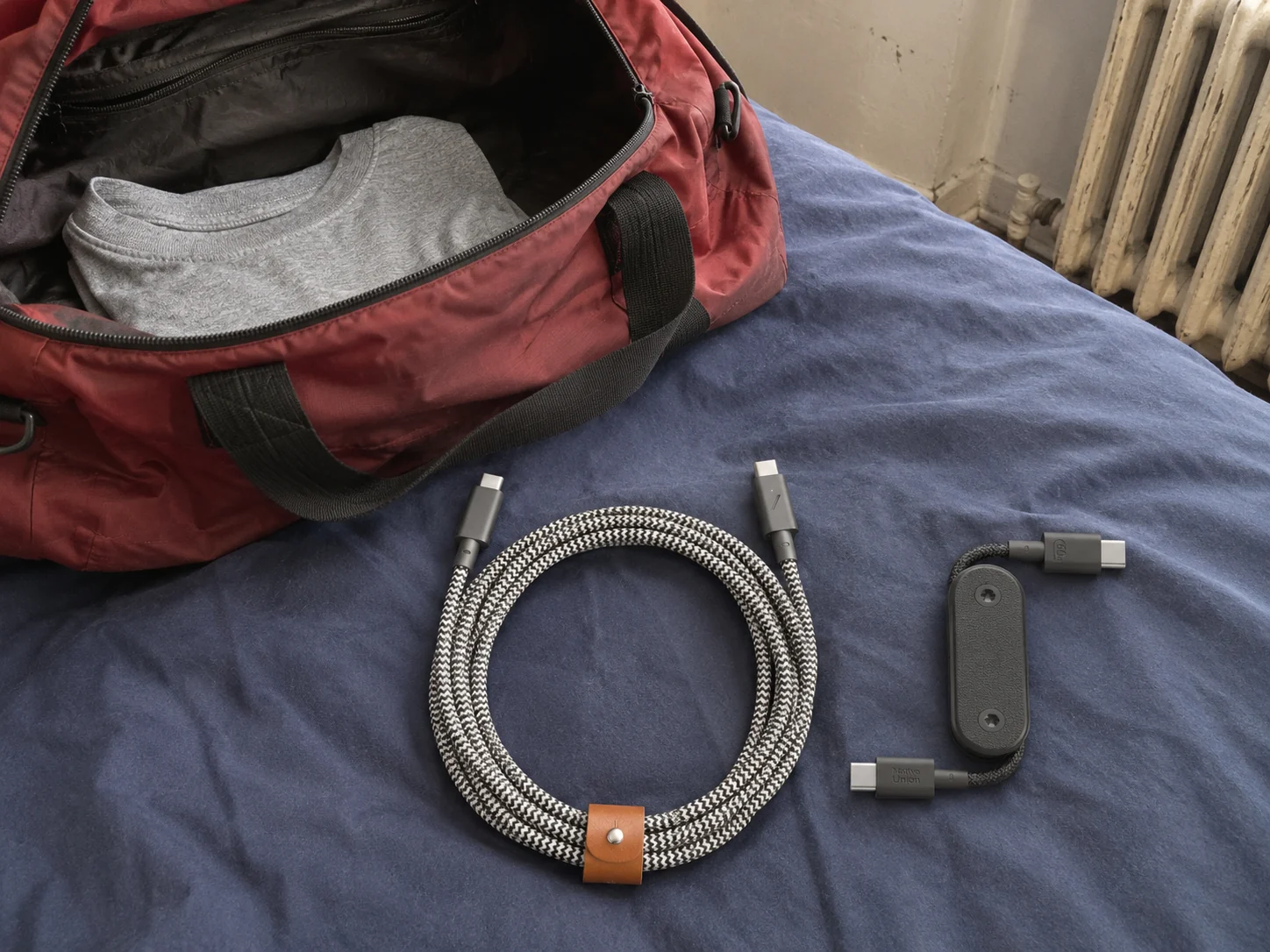
Native Union Belt Cable Pro illustrates three independent cable specifications: power, data and video.
The models compared
Scroll sideways to compare.
| Compare | 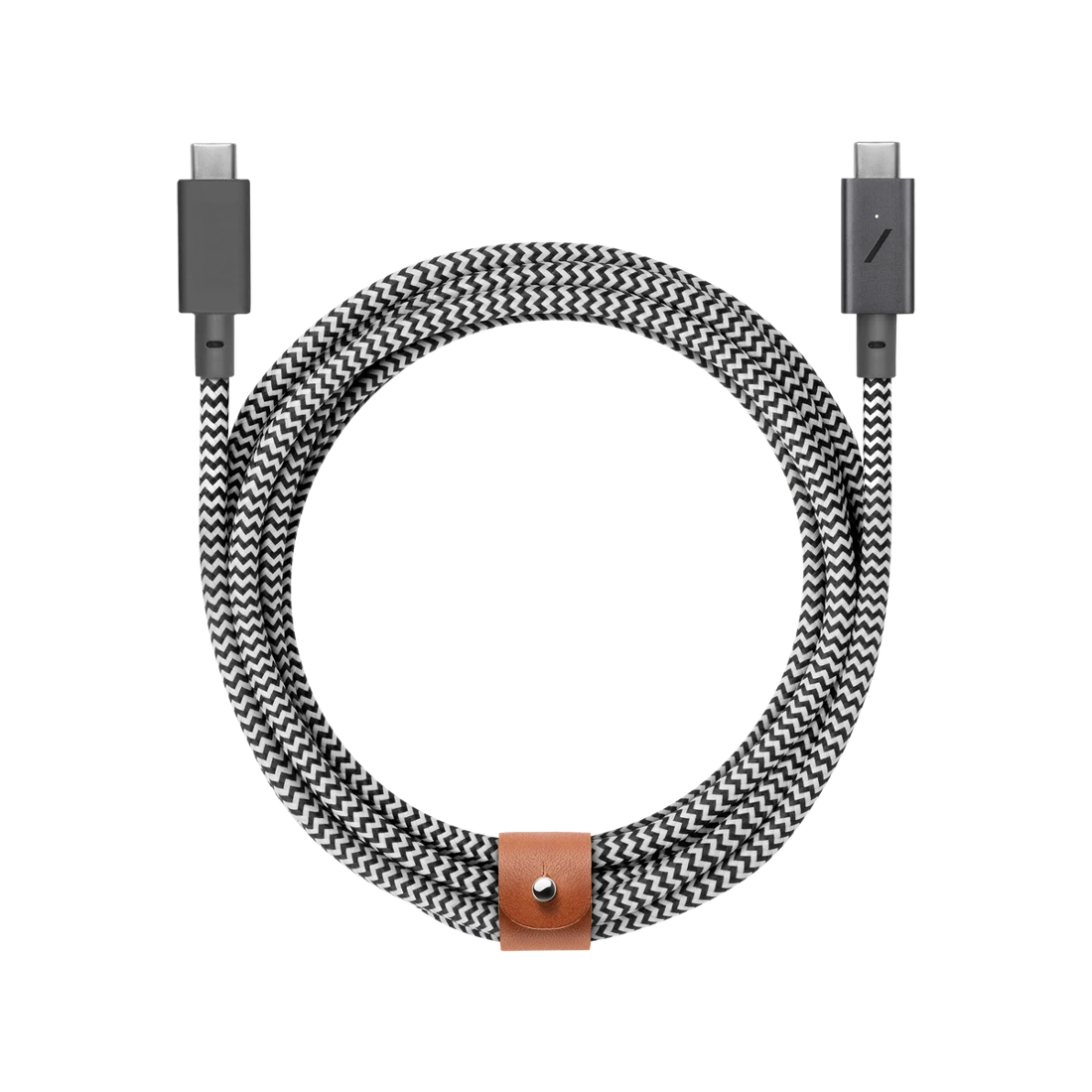 Native Union Belt Cable Pro 240W | 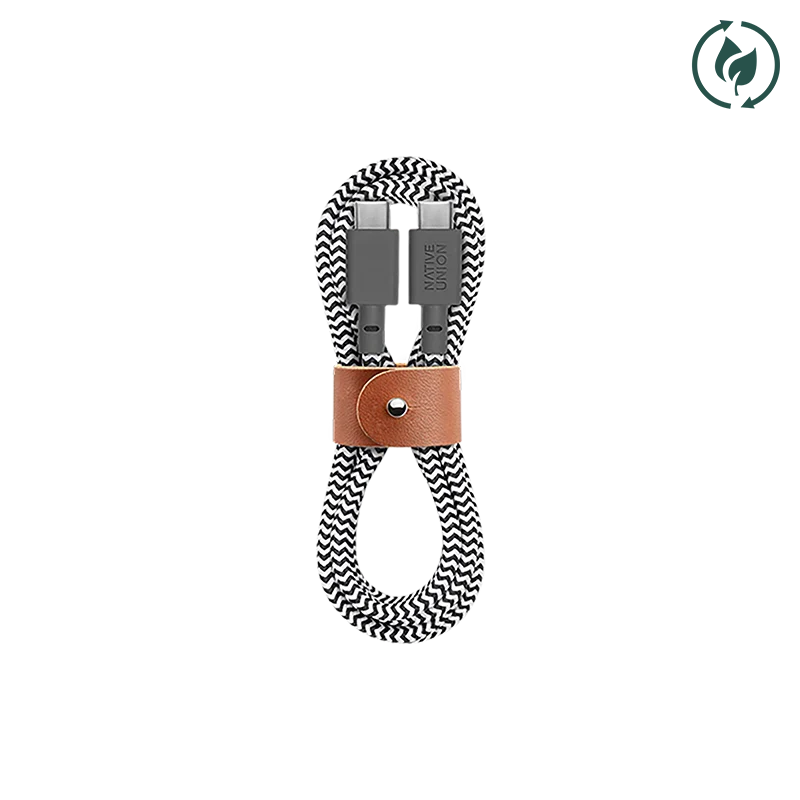 Native Union Belt Cable USB-C 60W | 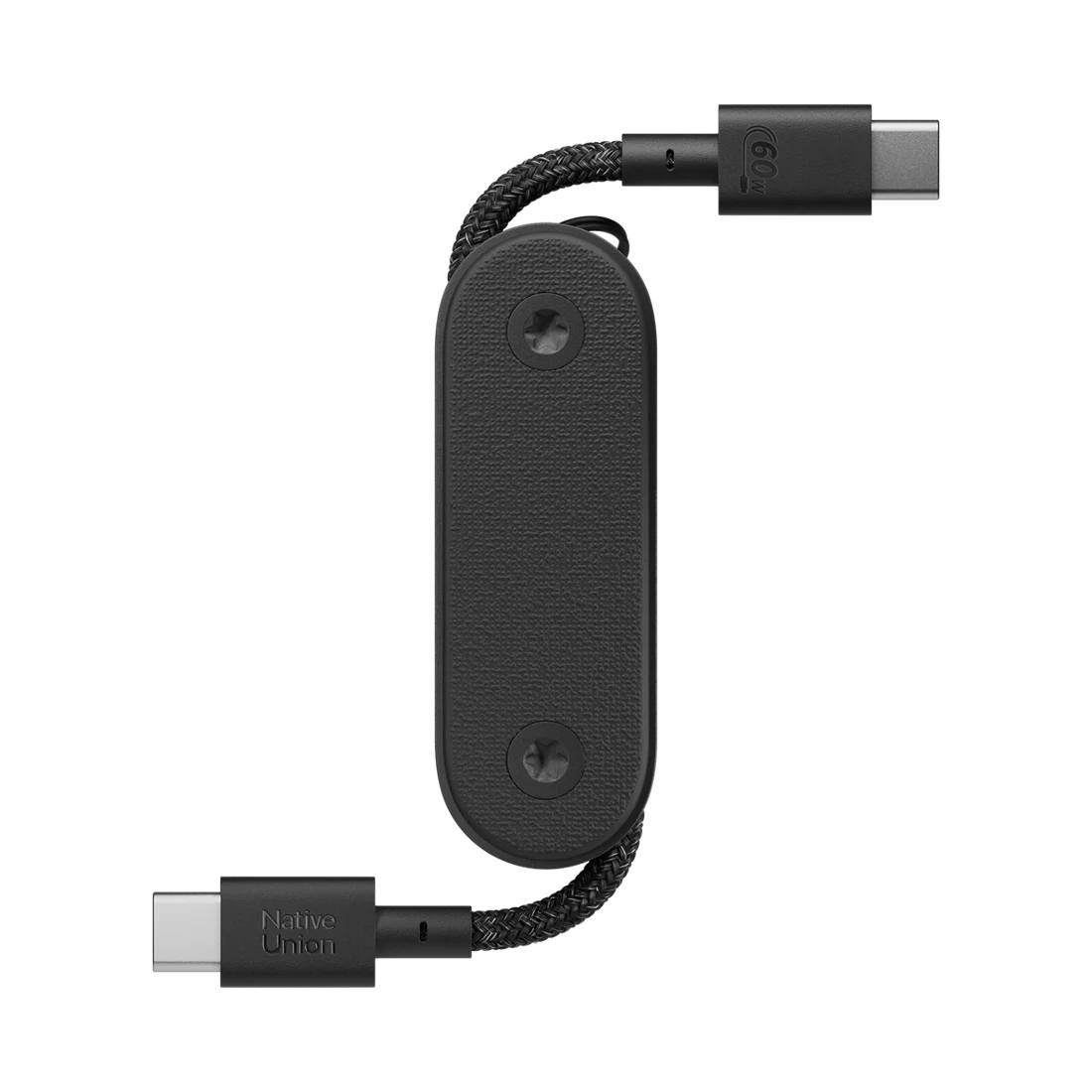 Native Union Pocket Cable |
|---|---|---|---|
| Charging | Up to 240W, PD 3.1 | Up to 60W | Up to 60W |
| Data information | USB 2.0 / 480Mbps; no video | No speed claim used here | USB 2.0 |
| Length | 2.4m / 8ft | 1.2m / 4ft | 17cm / 6.5in |
Give each cable one written job
A short label in the packing list can prevent a frustrating mismatch: charging, fast data, or monitor. The Native Union Pro belongs under charging when its long reach is useful. Its USB 2.0 data limit is 480 Mbps, and the manufacturer explicitly excludes video support.
A USB-C monitor needs a cable and host connection specified for the display path. A fast external drive needs the corresponding data capability. Carrying one cable for every task can be convenient, but only if that exact cable supports every task; a 240 W label alone does not prove it.
Read beyond the largest number
The Belt Cable Pro’s 240W rating is a charging specification. Native Union separately lists USB 2.0 data at up to 480Mbps and says the cable does not support video output. Those statements can all be true at the same time. A cable can accommodate a high-power charging arrangement without being wired for the display connection you need.
This matters when one cable travels between several jobs. A charging lead that works well between a wall adapter and a laptop may be unsuitable between that laptop and a USB-C monitor. The connector fits, but the required capability is missing. Buying the highest wattage is not a substitute for reading the display requirement.
Three lines for the shopping list
Write down the charging requirement first: what does the connected device ask for, and what can the power source deliver? Then write down the data requirement: is the cable only charging a device, or moving files too? Finally, state whether the connection must carry video. A product listing needs to answer each relevant question.
For the Pro, the answers are explicit: up to 240W, USB 2.0, no video. The Pocket Cable is rated at 60W and described as USB 2.0. The standard Belt Cable page gives its 60W charging rating and length. If file transfers matter, confirm the data specification for that exact model before ordering.
The cable’s maximum is also not the power every device will receive. A 240W cable connected to a 45W charger cannot turn that source into a 240W supply. The source, cable and receiving device all need the applicable capabilities for the desired charging arrangement.
Keep the label useful after purchase
If a kit contains both cables bought for charging and display-capable cables, identify them in a way you can still read after they are coiled. A small label describing the actual role is more useful than remembering which cable felt thicker. Keep the manufacturer model information with the packing list so a replacement can be matched.
For a phone charging beside a battery, a short 60W cable may satisfy the entire requirement. For a high-power laptop charging connection, the Pro is a candidate to check. For a monitor, remove this Pro from the shortlist and look for an explicit video specification appropriate to the host and display.
Sources
- Native Union Belt Cable Pro 240W: manufacturer specificationsChecked November 15, 2026
- Native Union Belt Cable USB-C 60W: manufacturer specificationsChecked November 15, 2026
- Native Union Pocket Cable: manufacturer specificationsChecked November 15, 2026